We Used AI to Impersonate a CEO and Phished Senior Executives: Here’s How They Fell for It
In a red team exercise, we trained an AI model on an executive’s public writing, built a target list with open-source intelligence and sent a two-stage phishing campaign with a harmless PDF payload. Several senior officers and directors opened the file, including security staff. The article walks through each step and the defenses that apply.
WebThreat Research · Published · 5 min read
Introduction: The Ultimate Spear-Phishing Experiment
Cybersecurity is a never-ending game of cat and mouse. With AI tools becoming more sophisticated, attackers can now craft hyper-personalized phishing emails that are nearly impossible to detect.
As red teamers, we wanted to push the boundaries of social engineering, OSINT, and AI-driven deception to see just how vulnerable high-level executives really are. Our target? Senior officers and directors of a high-profile organization.
This wasn’t your typical script kiddie phishing attempt. We leveraged:
- AI to impersonate a C-level executive’s writing style
- OSINT to collect target email addresses
- JavaScript-embedded PDF payloads
- Multi-layered deception techniques
By the end of the exercise, multiple senior executives had fallen for the trap, including those responsible for security.
This is the full breakdown of how we engineered one of the most advanced red team phishing simulations to date.
Step 1: Reconnaissance & Target Profiling
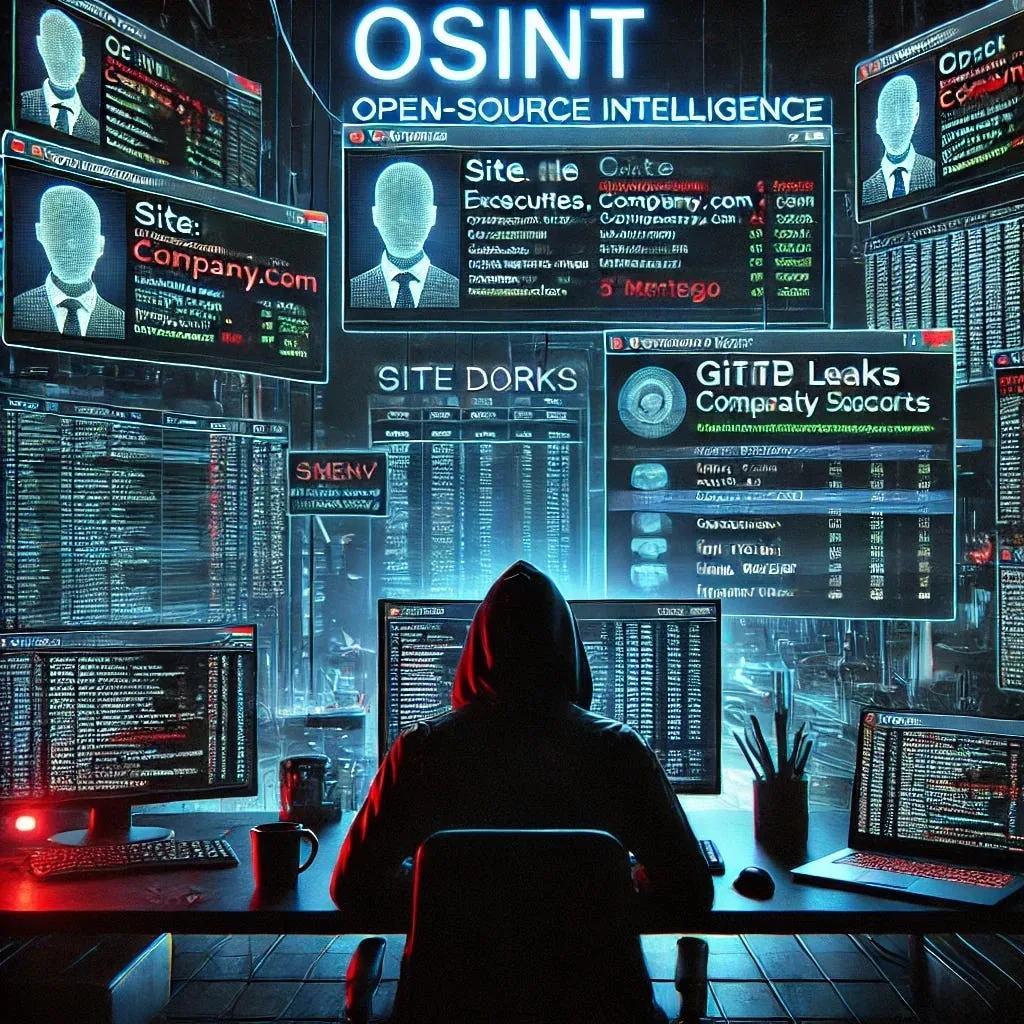
Before launching the attack, we needed to identify our targets. This required a deep OSINT (Open-Source Intelligence) operation to gather information about:
- High-value targets (C-level, directors, and security officers)
- Their personal and corporate email structures
- Publicly available communications (tweets, blog posts, or forum comments)
- Profile pictures, email formatting, and signature styles
Email Enumeration: How We Built the Target List
To compile a list of potential phishing targets, we used email-harvesting techniques, including:
- Google Dorks: site:company.com "@company.com"
- GitHub Leaks: Searching for .env files, API keys, or emails in public repos
- Pastebin Dumps: Checking for leaked credentials
- LinkedIn Scraping: Identifying employee email patterns
After building the initial list, we validated emails using:
- SMTP Probes (checking if the email exists without triggering spam filters)
- Catch-All Domain Detection (to remove fake entries)
- OSINT Tools like Hunter.io, TheHarvester, and Maltego
This left us with a highly accurate list of active corporate emails, all belonging to employees in key decision-making roles.
Step 2: AI-Driven Executive Impersonation
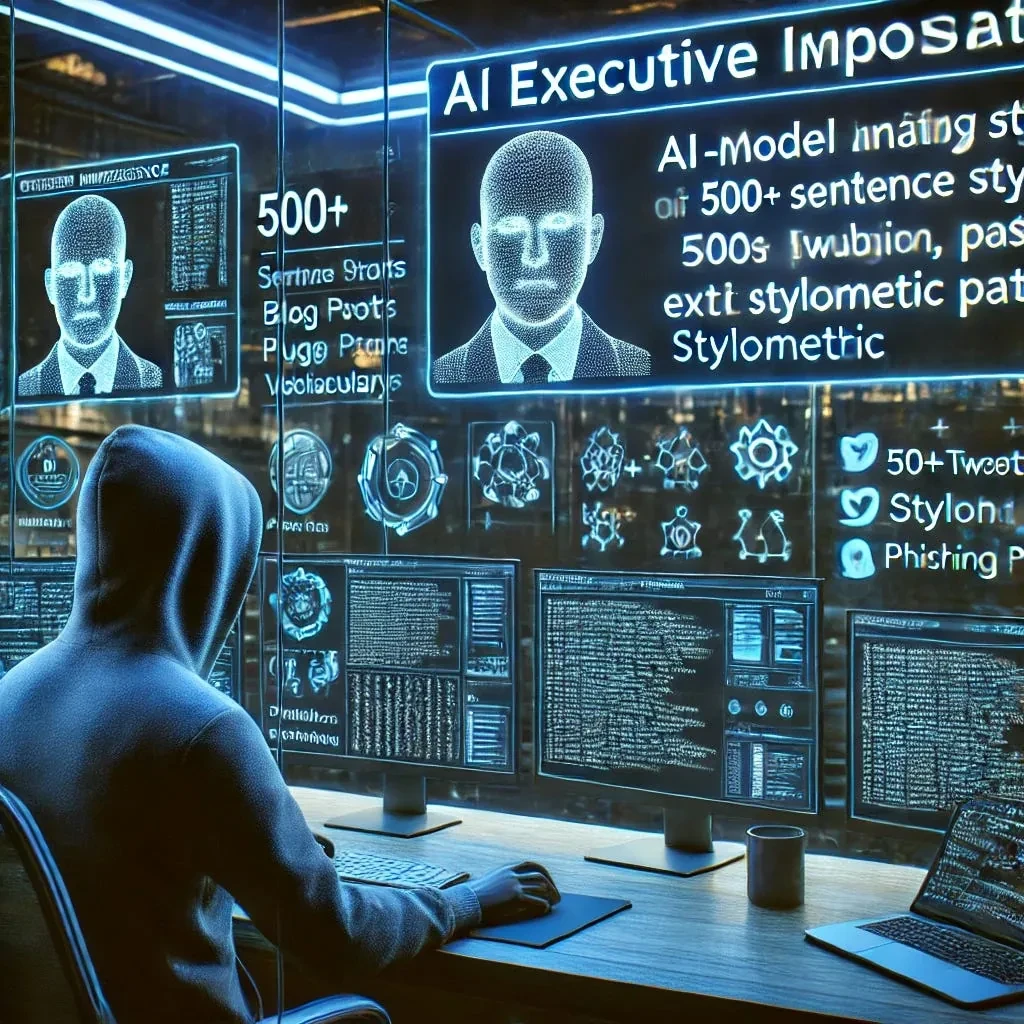
To make our phishing attempt undetectable, we needed to replicate the writing style of a real executive. This is where AI came into play.
Stylometry Analysis: Teaching AI to Write Like a CEO
We collected over 500 tweets, blog posts, and public emails from our impersonation target and used them to train a custom AI model.
We leveraged GPT-4 fine-tuning with:
- Stylometry modeling (sentence structure, punctuation, and vocabulary)
- Personality & tone matching (formal vs. casual, technical vs. business-oriented)
- Behavioral mirroring (how they respond to emails and messages)
The AI could now generate emails that perfectly mimicked the executive, making it nearly impossible to detect the impersonation.
Step 3: Crafting the Phishing Email & Payload
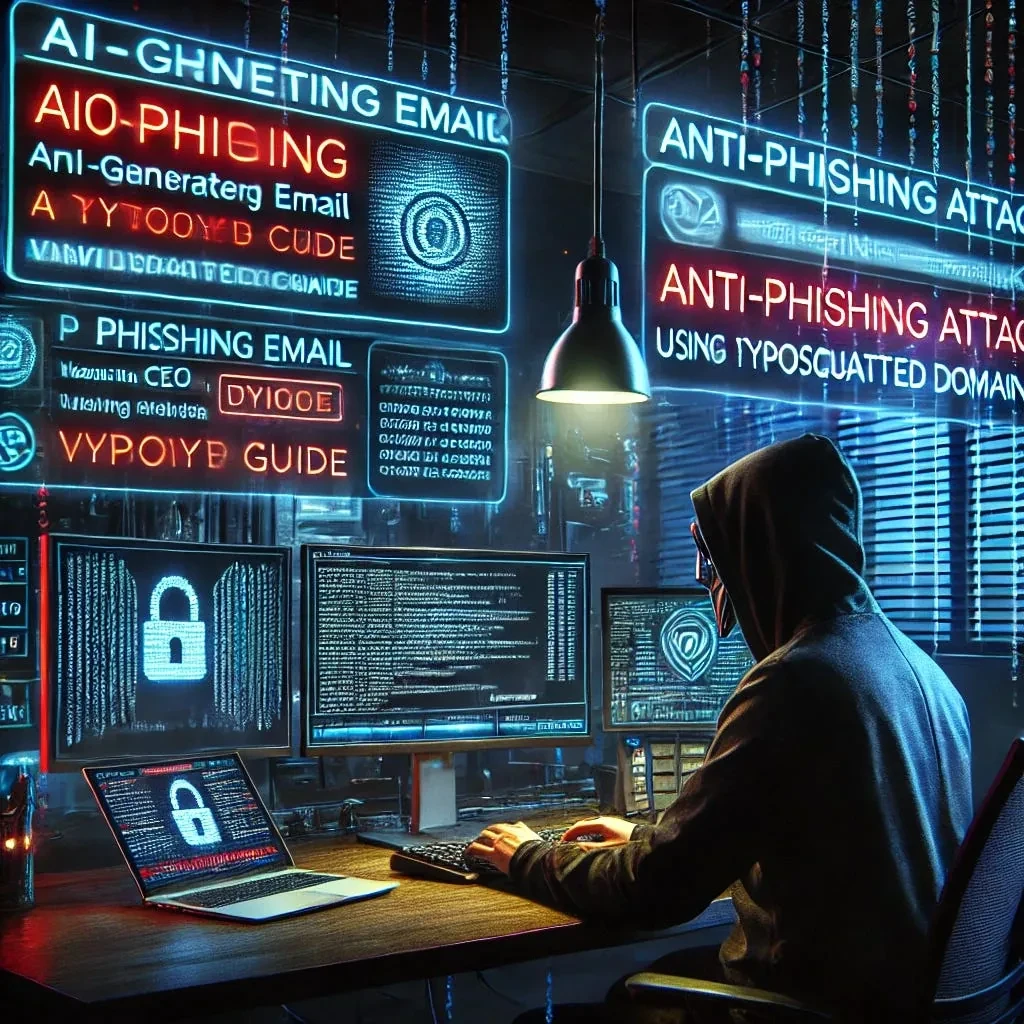
With a validated email list and a flawless AI-generated message, it was time to launch the first phishing wave.
The Email Pretext: Two-Stage Attack
Instead of sending an outright malicious email, we staggered the attack into two phases:
-
Initial Decoy Email (Fake Phishing Alert)
- Sent a generic phishing email from an unrelated account
- Used typosquatted domains to make it look semi-legitimate
- Created a low-effort phishing attempt that some employees would detect
-
Follow-Up Email (AI-Generated Response from “CEO”)
- The AI impersonation account sent an email warning about the first phishing attempt
- Included a legitimate-looking “anti-phishing guide” (weaponized PDF)
- Used proper company branding, signatures, and formatting
The psychological trick? Employees were more likely to trust the second email after seeing the first phishing attempt.
Step 4: The Payload, Weaponizing a PDF with JavaScript
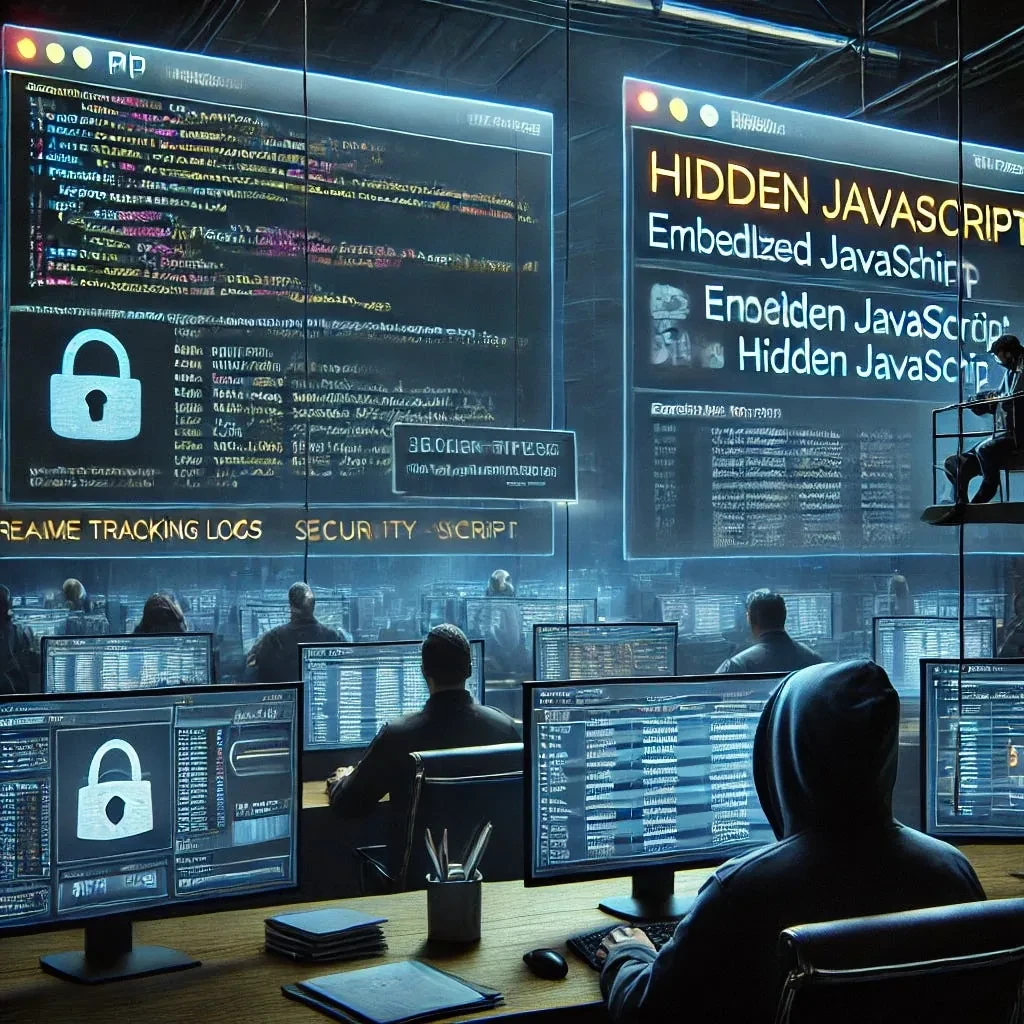
To prove that employees clicked on the phishing link, we needed a non-malicious payload that wouldn’t trigger antivirus or security tools.
We embedded JavaScript into a PDF, triggering a pop-up message upon opening.
How It Worked
- PDF contained a hidden JavaScript function
- Executed when opened in Adobe Reader or Preview
- Displayed a fake “security warning” to track clicks
This allowed us to log engagement rates and prove how many employees fell for the attack, without deploying any real malware.
Step 5: Attack Execution & Results
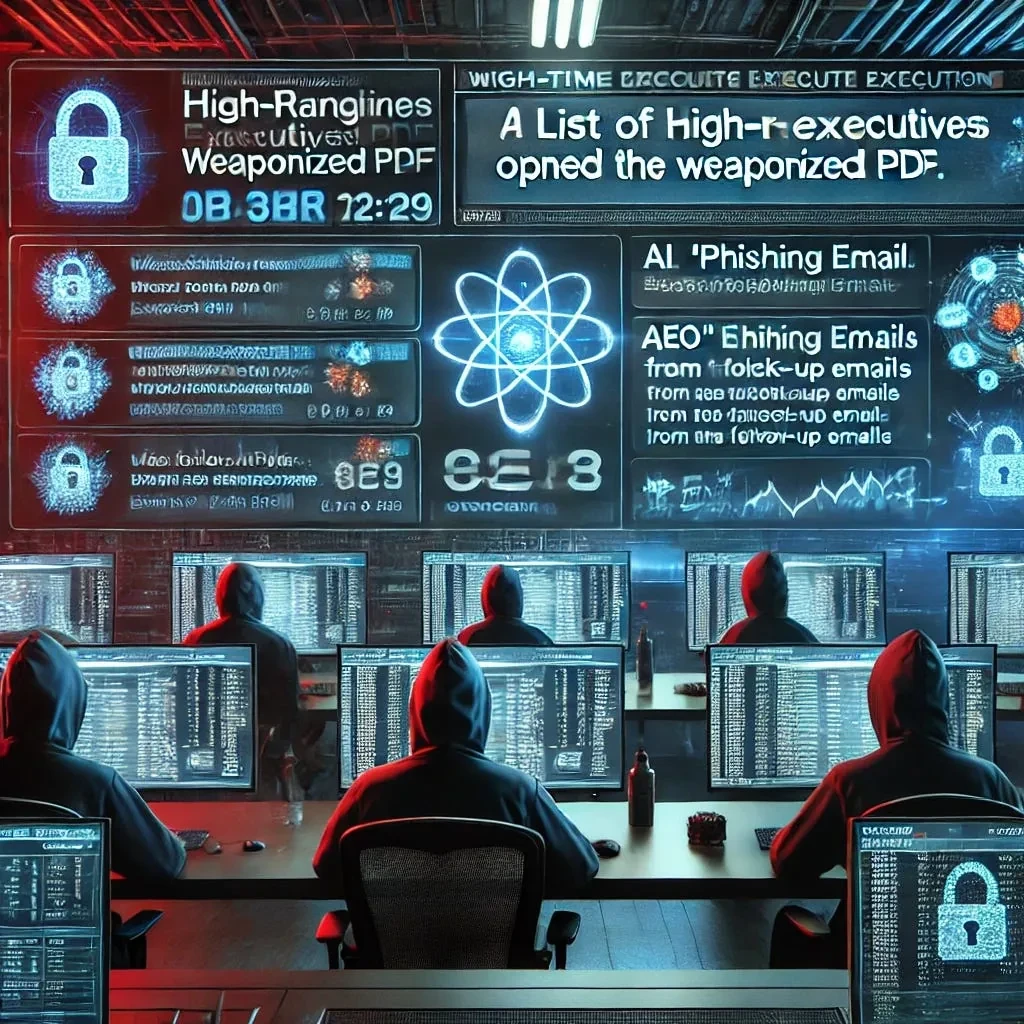
On launch day, everything went according to plan:
- The initial phishing decoy email raised awareness
- The follow-up email from “CEO” felt credible
- Multiple high-ranking employees opened the weaponized PDF
- Directors and senior officers fell for the attack
The biggest takeaway? Even senior security professionals failed to verify the sender, trusting an email that “felt” authentic.
Why This Attack Was So Effective (Key Takeaways)

AI-Generated Spear Phishing is Nearly Undetectable
- Traditional security tools can’t detect stylometric-based AI phishing
- Email filters rely on known phishing signatures, not custom-trained AI
Multi-Layered Psychological Manipulation Works
- Employees were primed to trust the second email after the first fake attack
- Human nature leads us to trust a familiar authority figure
Even Experienced Executives are Vulnerable
- High-level executives are just as susceptible as junior employees
- Security awareness training must go beyond generic phishing advice
How to Defend Against This New Generation of Phishing Attacks
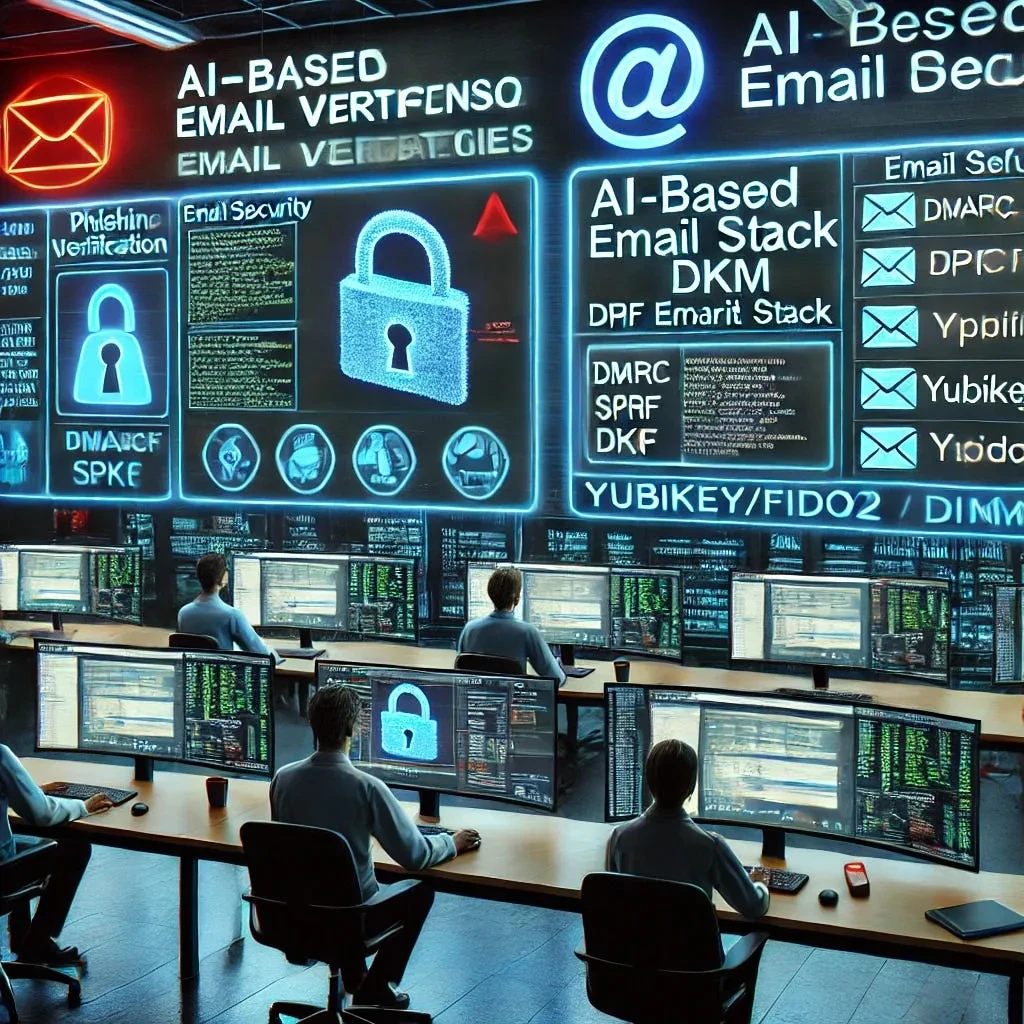
-
Implement Behavioral-Based Email Verification
- AI should be used to detect impersonation attempts based on writing style anomalies
-
Harden Your Email Security Stack
- Enable DMARC, SPF, and DKIM to prevent spoofing
- Use Yubikey/FIDO2 for email authentication
-
Train Employees with Red Team Simulations
- Conduct live phishing tests that mimic real-world threats
- Teach behavioral analysis, not just “hover over the link” basics
Final Thoughts: The Future of AI-Driven Social Engineering
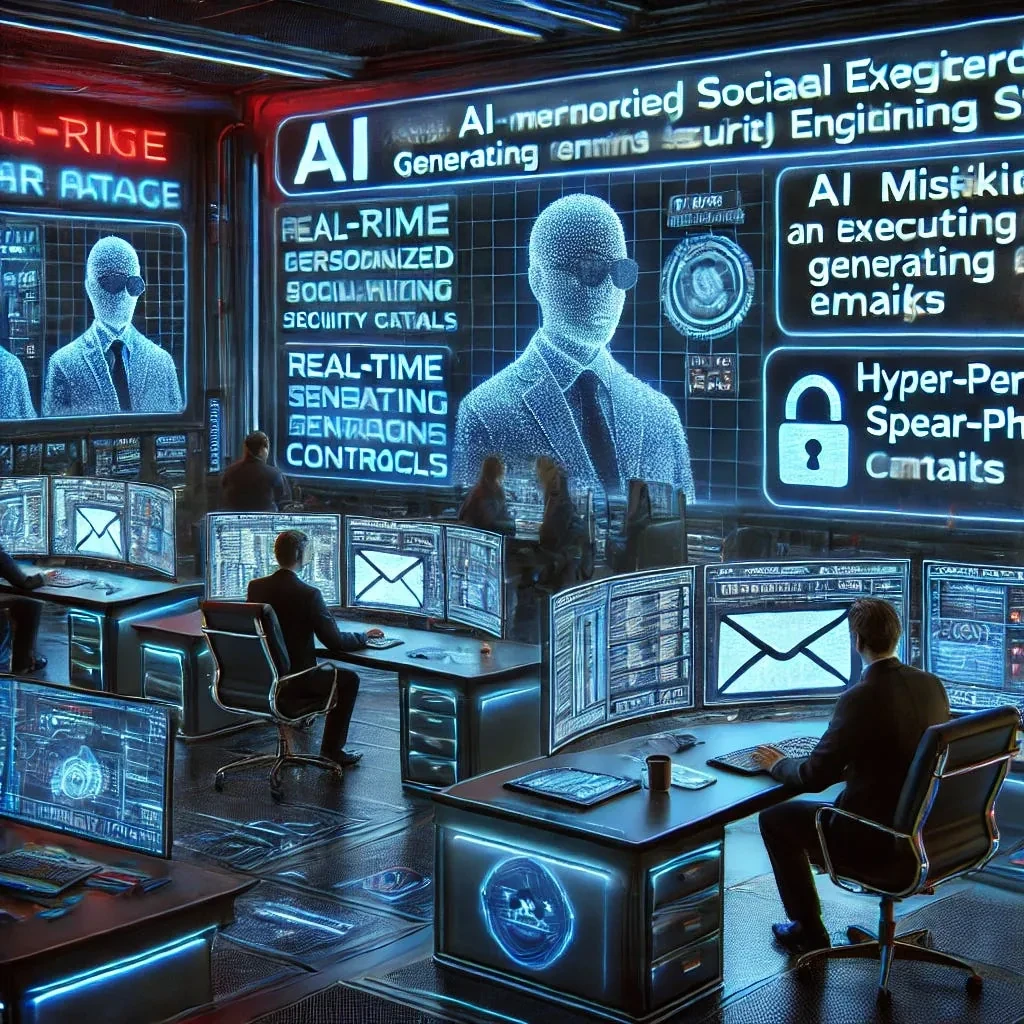
This was just a red team exercise, but it demonstrates a critical cybersecurity risk: attackers no longer need to write phishing emails themselves.
AI can now:
- Mimic executive writing styles
- Generate hyper-personalized phishing emails
- Bypass traditional security controls
Organizations must evolve their defenses, or they will fall victim to the next generation of AI-driven cyber threats.
Would your company survive this kind of attack? If not, it’s time to rethink your cybersecurity strategy.
First published on Medium on 28 January 2025.
Related
Attacks that use leadership data
Ransomware-as-a-Service (RaaS): How Cybercrime Went Mainstream, and How Your Business Can Stay Safe
Ransomware-as-a-Service lets developers lease ransomware to affiliates for a share of the profits, so attackers no longer need elite skills. Small and medium-si...
Attacks that use leadership data
Anatomy of a Suspicious IP: 13.248.169.48, Typosquatting, and the APT29 Whispers
One AWS-owned IP address, 13.248.169.48, kept appearing behind typosquatted lookalikes of the 100 most visited domains found with DNSTwist. VirusTotal shows mix...
Stolen-data ecosystem and actors
php2shell: the two critical PHP flaws and what to do now
php2shell is the name for two critical flaws in the PHP runtime, CVE-2026-109618 and CVE-2026-109619, both rated CVSS v4.0 9.2. They can allow unauthenticated r...
See your leadership's exposure
CEM finds your executives from your company name, checks them against breach corpora and leak databases, and scores each person from 0 to 100.